About
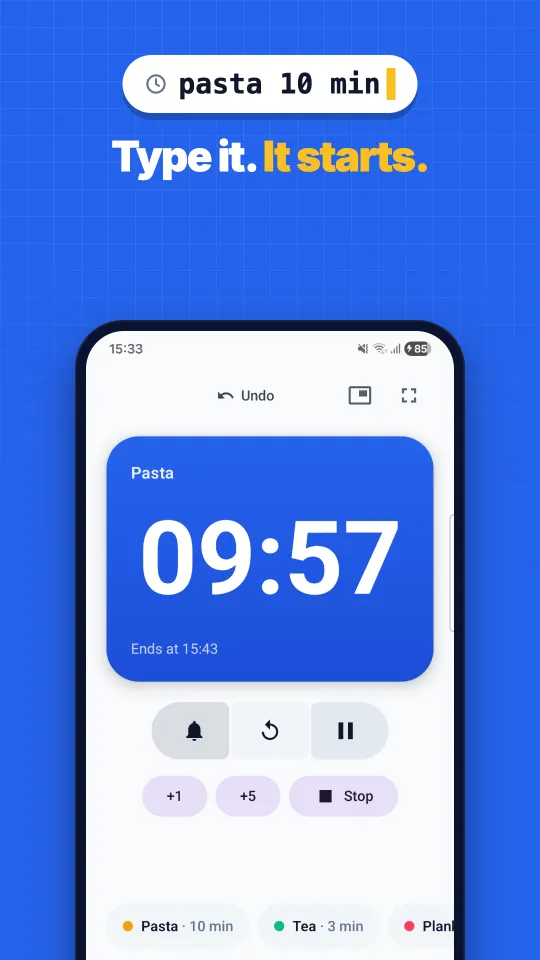
TypeTick is the Android timer you start by typing. Write the time the way you would say it, like "5 min", "until 17:30", or "pomodoro", and the countdown begins. It understands English and Italian.
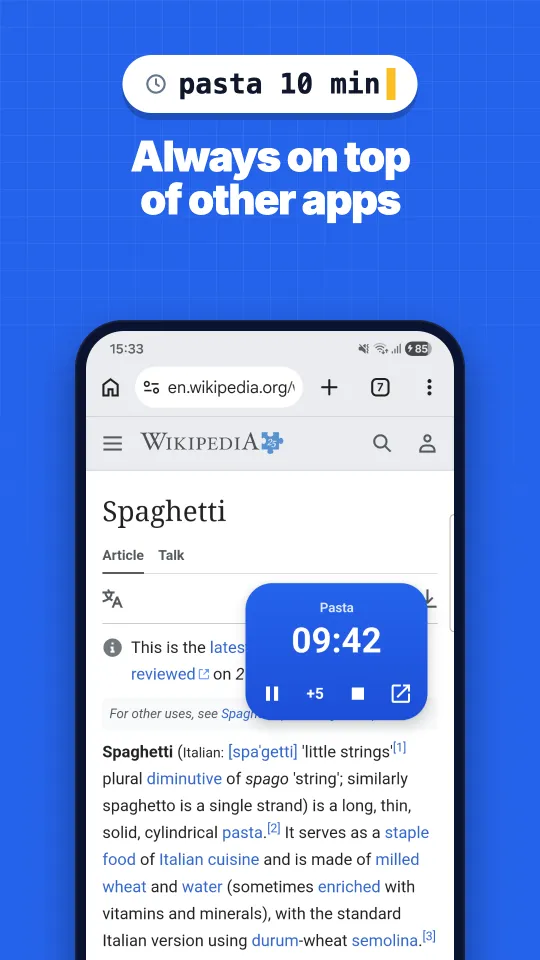
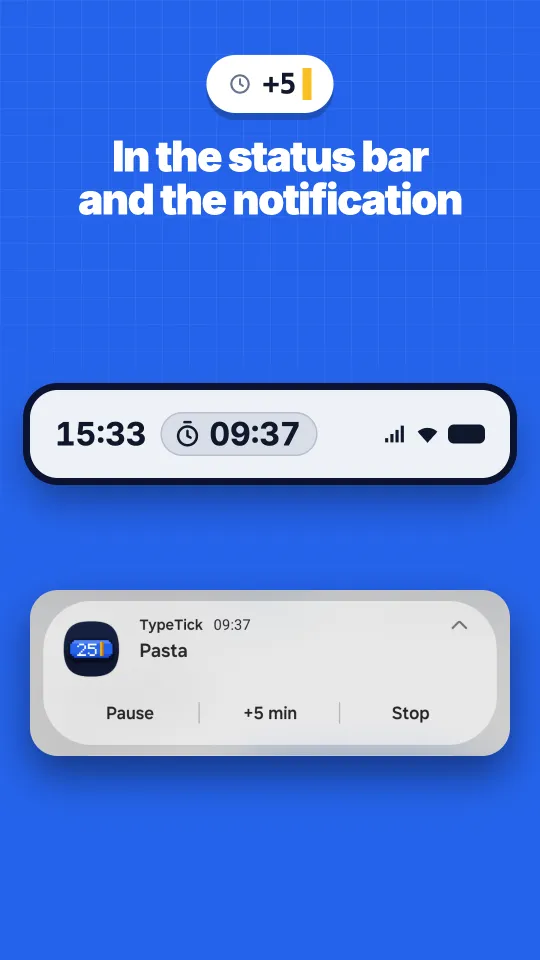
A running timer lives in a notification with pause, add-time, skip, and stop controls, and in a floating pill that stays on screen over other apps. At zero the alarm rings even in Doze, in battery saver, or after a restart.
Everything stays on the phone: no account, no ads, no analytics, and no internet permission. Recent and favorite timers are one tap away.
Availability
Coming soon to Google Play, for Android 8.0 or later, in English and Italian. Free to use, with an optional Pro upgrade.
Highlights
- Start a timer by typing: named timers, "until" a clock time, hours and minutes, seconds
- Quick +5 to add minutes to a running timer
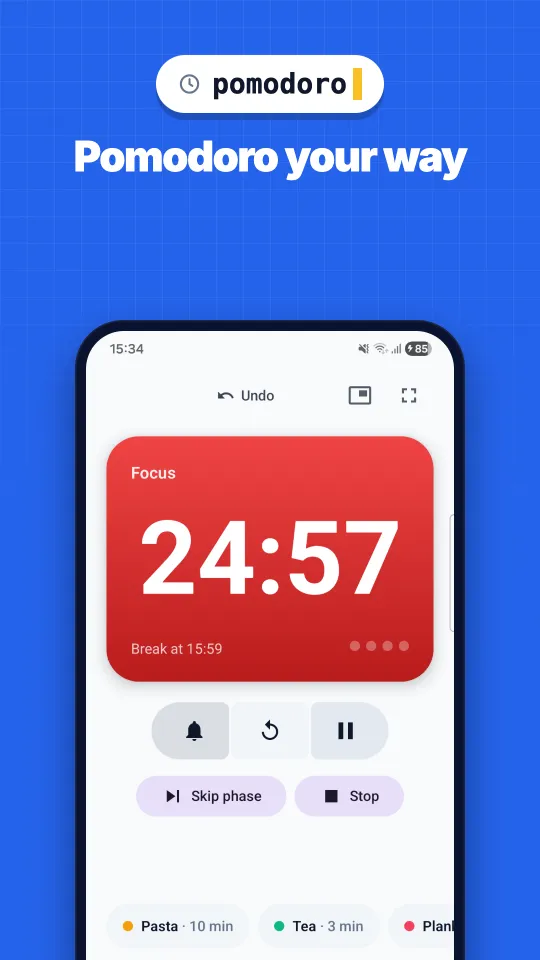
- Pomodoro focus and break cycles, and a stopwatch
- Floating pill over other apps, draggable and closable
- Status-bar countdown on Android 16 devices that support Live Updates
- Alarm at zero that rings in Doze, battery saver, or after a restart
- Recent and favorite timers, with colors, and a full-screen mode with large digits
- No account, no ads, no analytics, no internet permission
FAQ
Is TypeTick free?
Yes. TypeTick is free to use, with an optional Pro upgrade on Google Play.
Does it run with the app closed?
Yes. The timer keeps running in the notification and the floating pill, and the alarm rings at zero even with the screen off or after a restart.
Where do my timers go?
Nowhere. Your data stays on the phone. If Android backup is on, it goes to your own Google backup, which the developer can't access.